Make yourself at home.
Download the owner app and add your restaurant details and ordering hours.
Your food. Your customers. Your own online ordering page.
No commission or monthly fees.
From setting up your menu to keeping orders moving, OmNom takes a little more off your plate.
Payment processing fees apply. Customers pay a service fee.
Good food deserves clear pricing.

A little less admin. A lot more restaurant.
It shouldn't be complicated, so we make it simple.
01 / An easier start
No need to type every menu item title, description, or price. Just upload an image, and OmNom sets up your menu for you.
You can review and update your menu easily in the app or ask OmNom's AI to do it for you.
Let’s get your menu online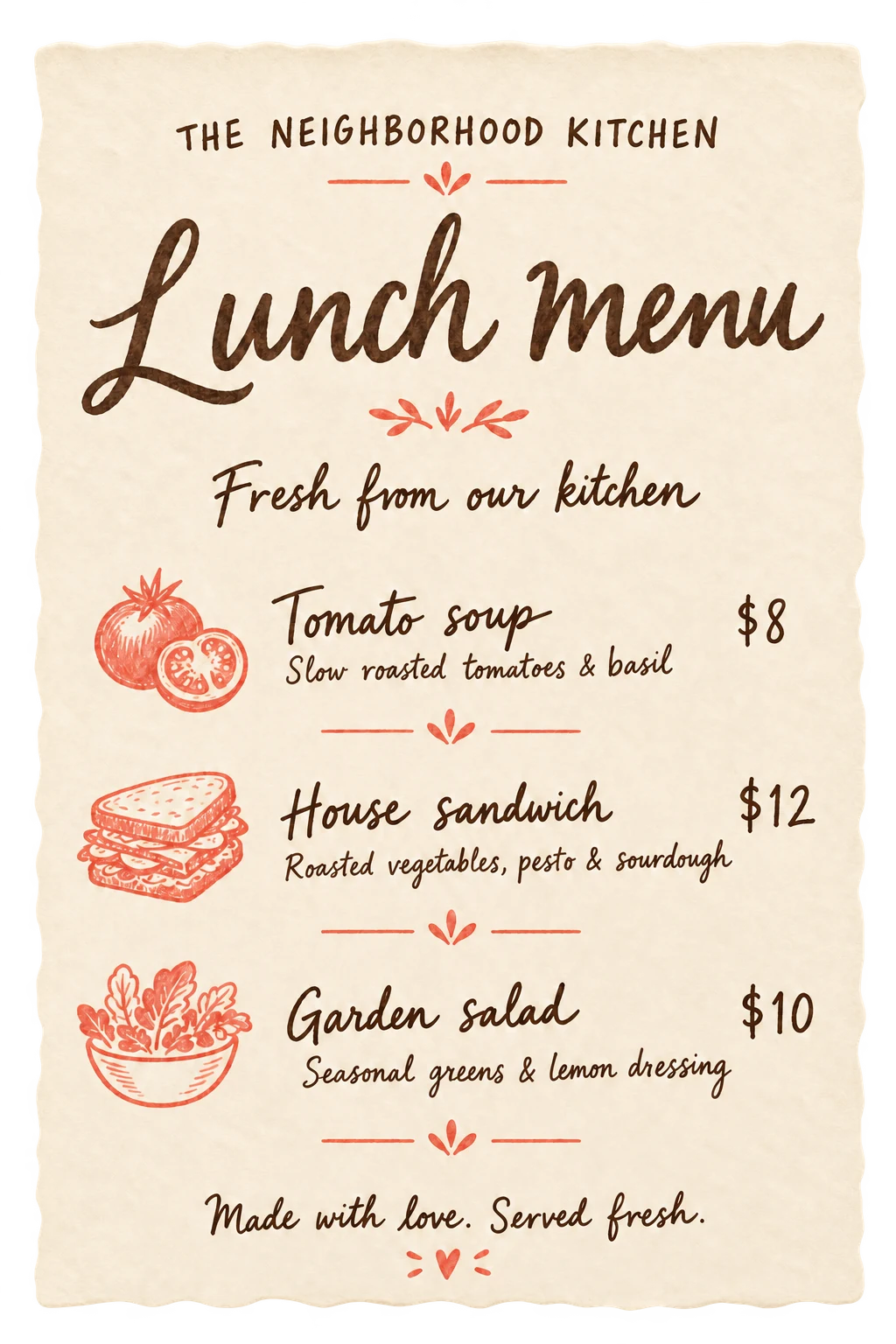
Illustrative menu import · You review before using it for orders.
02 / Help during the rush
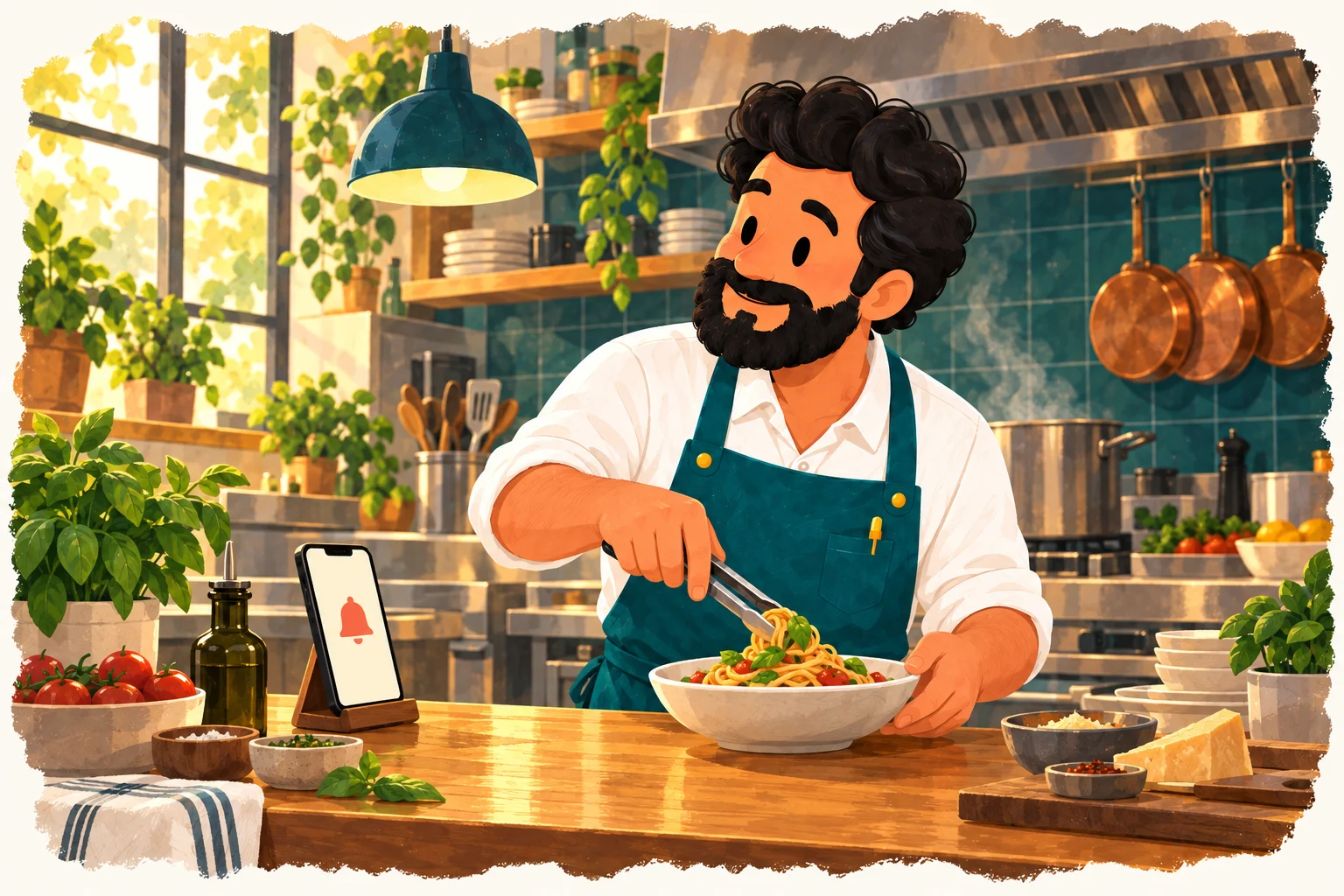
A new order shouldn’t depend on you watching a screen. OmNom sends app alerts and can follow up with an automated call when an order hasn’t been accepted.
Keep your team focused on service, with another way to get their attention.
03 / One less thing to figure out
Sold out of the soup? Adding a special? Closing for a day? Ask your restaurant assistant in plain language.
OmNom helps with menu items, availability, and full-day closures. It asks for clarification or confirmation when needed.

“Mark tomato soup unavailable until closing today.”
Done — tomato soup is unavailable until closing today.
Take a look inside
A simple way to order for your customers.
A clear place to
manage it for your team.
Keep your current ordering services, too.
Give your regulars another way to order direct.
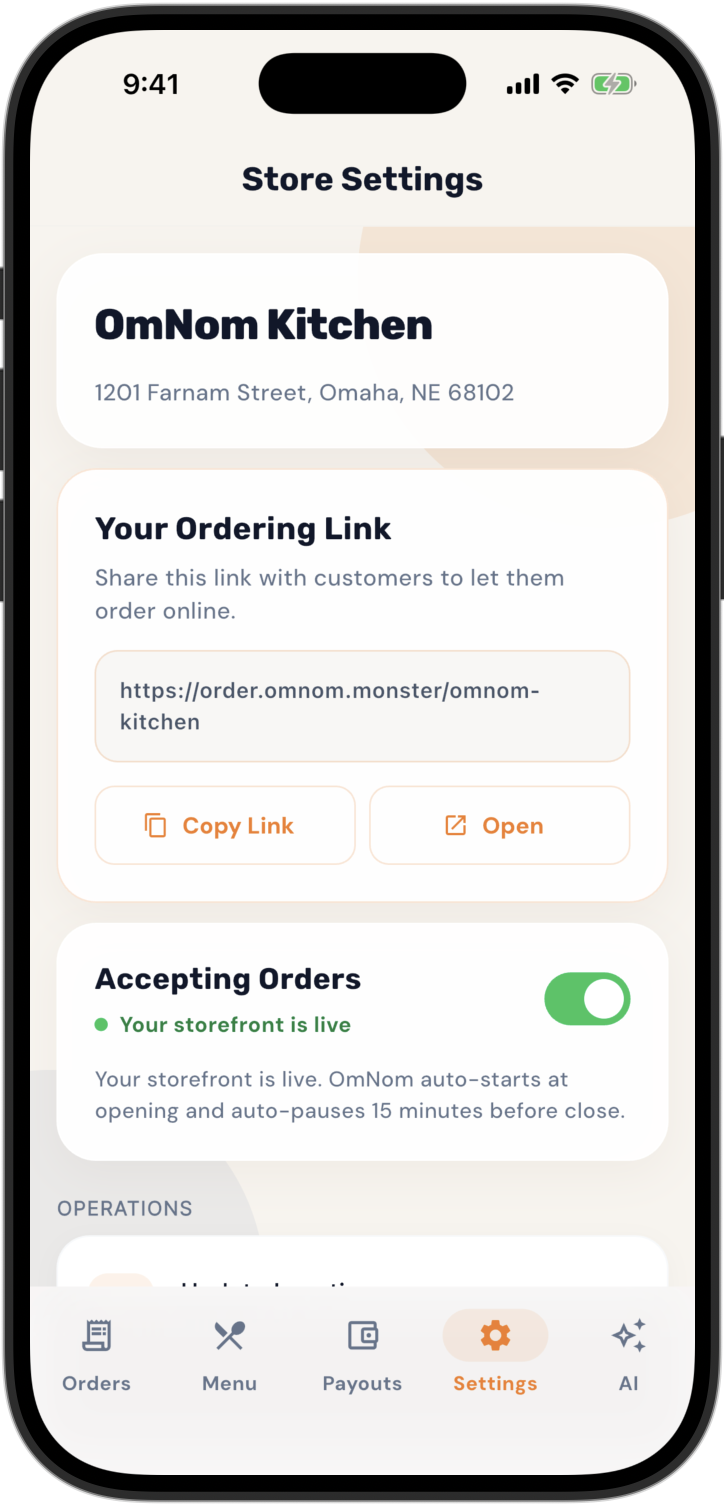
Your own link. Ready to share.
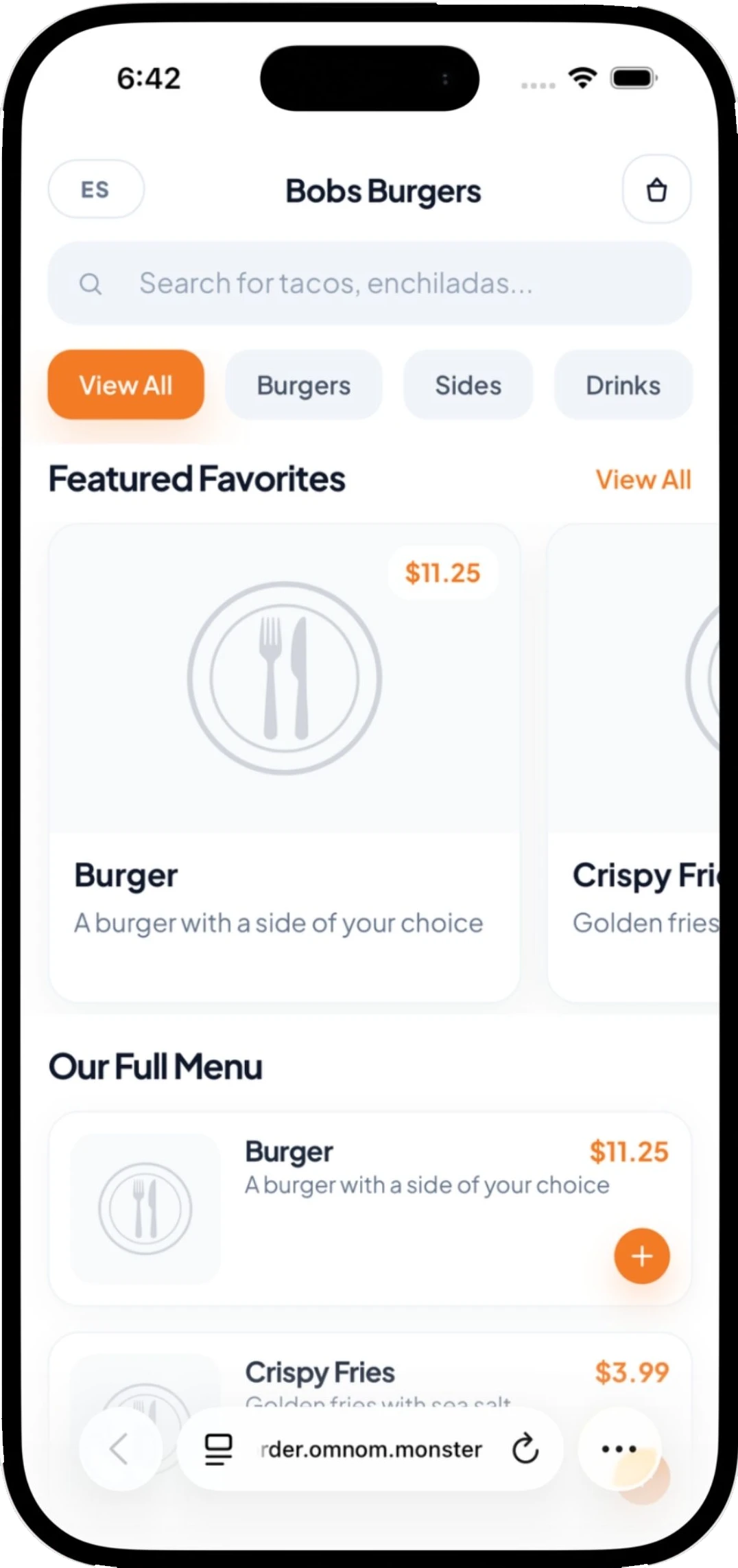
Open the link. Find something good.
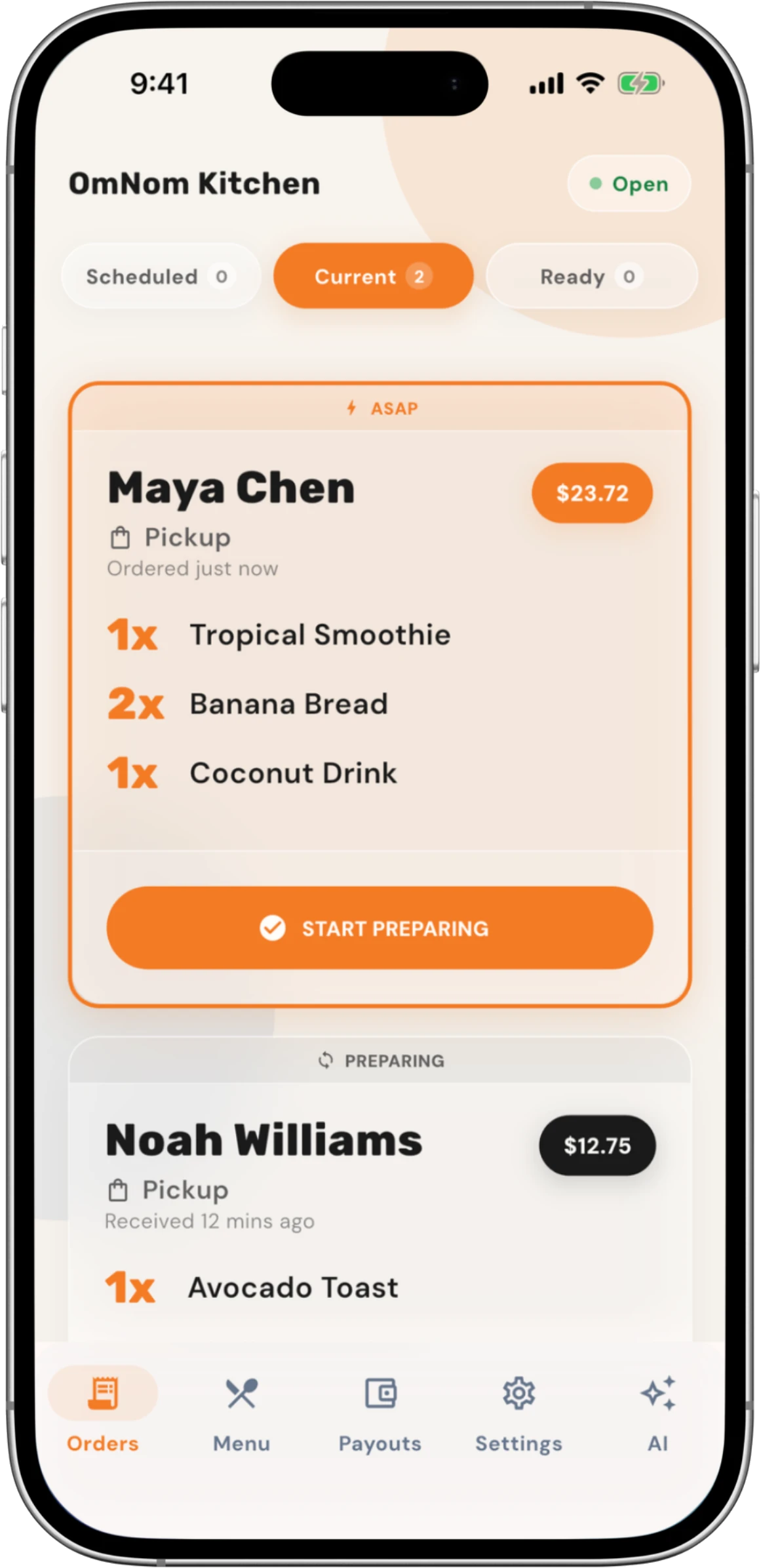
All the details, right where you need them.
Good food. Fair economics.
Online ordering shouldn’t come with another monthly platform bill or a cut for OmNom.
See payment processing detailsmonthly platform fee
OmNom commission
What does the restaurant pay? Payment processing fees apply to online transactions. Refunds and disputes can involve additional costs.
How does OmNom earn money? Customers pay a $1.25 service fee on the order total. The restaurant does not pay this fee.
A small start for your next chapter
Download the owner app and add your restaurant details and ordering hours.
Upload your menu, check the imported items, and complete secure payment setup.
Once your restaurant is ready to accept orders, share your direct ordering link.
Activation depends on completed setup and payment verification. You can save your progress and return later.
A few things you might be wondering
Still have a question?
We’re here to help
Yes. OmNom has no monthly platform fee and takes no restaurant commission. Payment processing fees apply. Customers pay a service fee shown at checkout. Refunds and disputes may involve additional costs. See the payment details.
No. You can keep your current ordering services and add OmNom as a direct ordering option. Use the owner app on an iPhone or Android device with notifications enabled. Your team manages OmNom orders in the owner app.
No. Customers open your restaurant’s ordering link in their browser. You use the owner app to manage the restaurant, menu, and orders.
Yes. Upload clear photos, screenshots, or supported PDFs during setup. Review the imported names, prices, and options before using the menu for orders. You can make changes in the owner app.
Share your direct link on your website, Google Business Profile, social profiles, or printed materials. Your link gives customers who already know and love your food a direct way to order from you.
Your restaurant can take orders after its restaurant, menu, payment, and applicable device checks are complete. Payment verification may take longer than filling out the setup forms. Check the readiness status in your owner app.
Made for the place you’ve made.
Download OmNom for Restaurants.
Get set up in as little as 10 minutes.
No commission or monthly fees.
Payment Processing applies.
Use your existing business records to complete OmNom setup accurately, know who should provide protected details, and avoid guessing at verification questions.
A practical food-truck referral checklist: confirm the operator, avoid duplicate leads, prepare accurate details and hand daily pickup-location control to the owner.
Learn when OmNom’s signed-in restaurant assistant can change menu items or close a day, and which tasks still need app screens or secure forms.