Which business type should I choose during OmNom setup?
Use your existing business records to complete OmNom setup accurately, know who should provide protected details, and avoid guessing at verification questions.
Use your existing business records to complete OmNom setup accurately, know who should provide protected details, and avoid guessing at verification questions.
A practical food-truck referral checklist: confirm the operator, avoid duplicate leads, prepare accurate details and hand daily pickup-location control to the owner.
Learn when OmNom’s signed-in restaurant assistant can change menu items or close a day, and which tasks still need app screens or secure forms.
A practical guide to employee referral eligibility, owner permission, setup help and account boundaries in the OmNom Referral Program.
Choose the dine-in flow that matches where guests order and collect their food. A practical guide to counter service, table codes, and the limits of Book a Table.
A reward balance and a bank deposit describe different stages. Find the unresolved step, check the terms assigned to your referral, and send support a useful request.
Select the right restaurant, complete one location’s task, and verify it before switching. A practical checklist for owners working across multiple branches.
Gather the right menu before uploading. Use this Referral Partner checklist to confirm permission, capture complete pages and keep names, prices and options readable.
A shorter holiday service, a full-day closure, and the first day back each need a clear plan. Set exact-date exceptions and verify the information customers see.
A practical decision guide for referral corrections, an owner who declines, and changes discovered after claim, with clear limits on what withdrawal confirms.
An invitation error, a rejected sign-in code and an unfinished setup need different next steps. Check the email, preserve the existing restaurant, and continue from its saved status.
A useful referral starts with the right amount of help. Compare quick and assisted setup, recognize when to pause, and leave the owner a clear next step.
Compare your imported menu with an approved source, check every price and option, and resolve uncertain items before confirming it. A worked café example shows what to catch and what to send support.
When a referral looks wrong, preserve the existing record. Check the restaurant details, document the introduction, and ask support to review the specific mismatch.
When the order phone goes quiet, check the pickup queue first. Follow a practical routine for notification settings, connection failures, temporary hours changes, and missed orders.
Learn what an OmNom Referral Partner can prepare, what stays with the owner, and how to hand over a restaurant draft without sharing account access.
A practical opening-to-closing checklist for food trucks that change stops, including location confirmation, customer directions, and existing pickup orders.
Write a useful restaurant referral message with six adaptable examples, clear financial disclosures, and room for the owner to decide.
When an ingredient runs out, one menu change may not cover every affected order. Use a clear shift routine for open tickets, related dishes, customer choices, and tomorrow’s availability.
Make a useful introduction with the owner’s permission. Learn which setup path fits, what makes an order eligible, and how reward caps, holds, and transfers work.
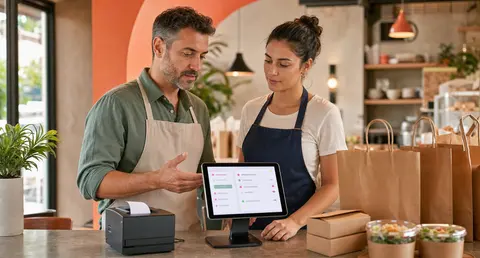
Online ordering does not need a call center, but it does need clear ownership. Decide who answers refund, delay, pickup, payment, and menu questions before real guests start asking.
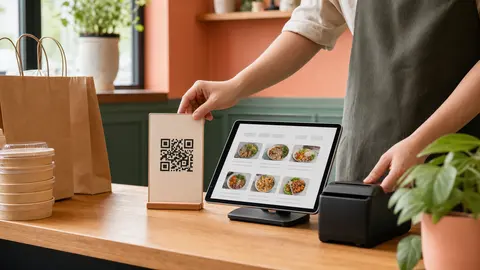
A QR code is only useful if guests understand what it opens, why it belongs to the restaurant, and when ordering direct is easier than calling or searching a marketplace.
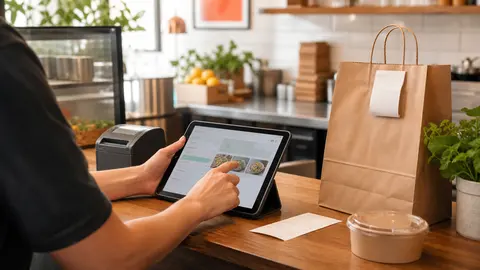
Before a restaurant shares a new direct ordering link, one calm test order can reveal whether the menu, checkout, staff alert, pickup promise, and payment trail are ready for real customers.
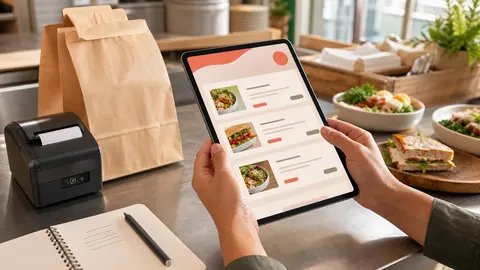
Online menu descriptions do not need to be long. They need to answer the questions a guest would normally ask at the counter before they feel comfortable adding an item to the cart.
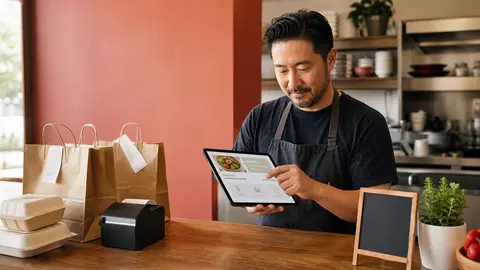
Guests who search for your restaurant by name are already close to ordering. A clean Google Business Profile order link helps send that demand to your own direct checkout instead of making customers hunt.
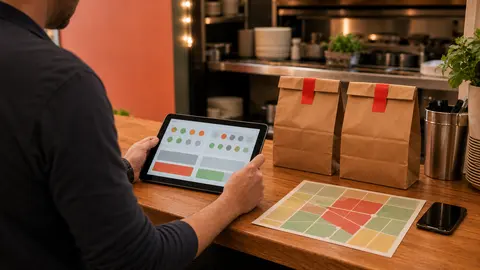
Delivery should not be a hopeful button on a restaurant ordering page. If no driver can take the order, saying no early protects the kitchen, the guest, and the direct ordering channel.
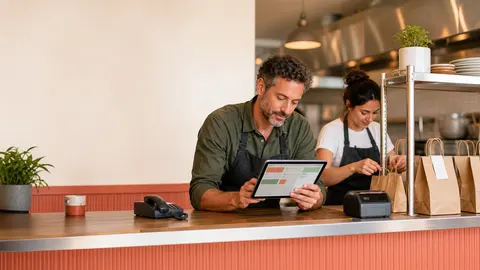
Phone orders feel free until they interrupt the rush, create modifier mistakes, and pull managers away from service. Direct online ordering helps restaurants keep loyal guests on an owned channel while protecting staff attention.
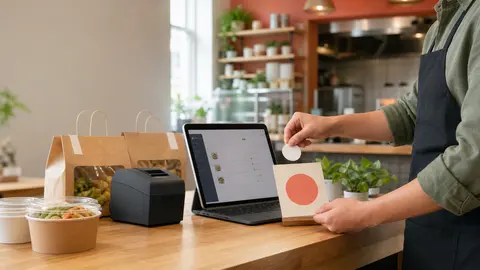
A direct ordering link only helps when guests can find it at the moment they are ready to buy. Put the order button where intent already exists: your homepage, menu paths, social profiles, receipts, and in-store handoff points.
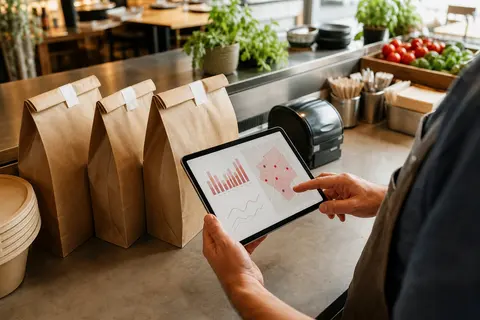
Tipless delivery only works when the restaurant understands the promise it is making. Start with order margin, radius, packaging, and driver capacity before deciding how much of the delivery cost to cover.
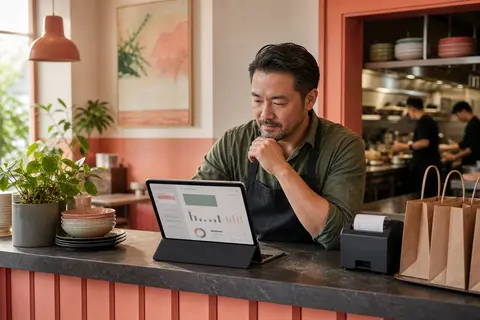
Direct online ordering is easier to trust when the money trail is boring. Build a simple reconciliation routine that connects orders, refunds, Stripe fees, and bank deposits before questions pile up.
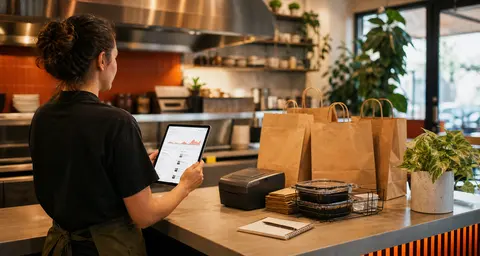
The first week after launch is where online ordering becomes a real operating system. Watch the tickets, questions, edits, and payment trail closely enough to fix friction before it becomes habit.
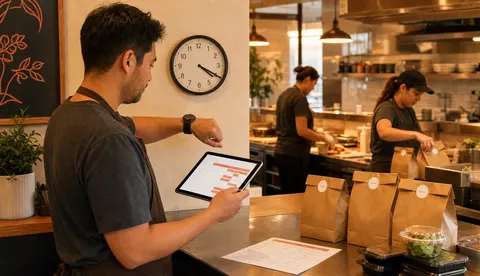
Online ordering hours should match the real shift, not just the printed door hours. The right cutoff rules help restaurants take more direct orders without surprising guests or overloading the kitchen.
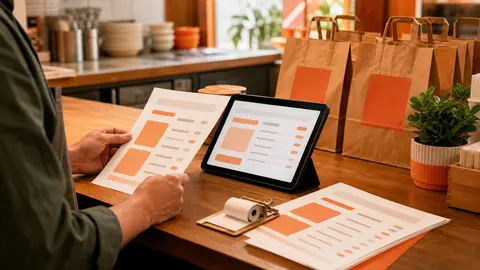
Direct ordering prices should feel fair, intentional, and easy for staff to explain. The goal is not to copy every other channel. It is to make the restaurant's owned ordering path trustworthy.
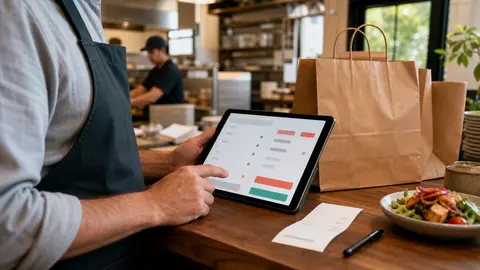
Guests do not need a finance lecture at checkout. They need a clear, honest reason the direct ordering path is fair for them and sustainable for the restaurant.
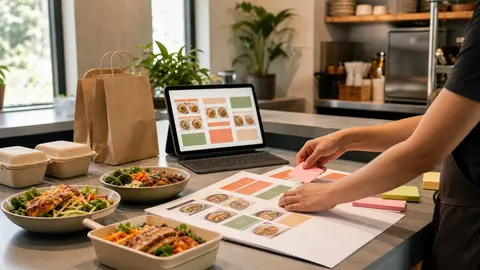
Menu categories shape the first few seconds of an online order. A cleaner structure helps guests find the meal they want without making the kitchen or counter untangle messy tickets later.
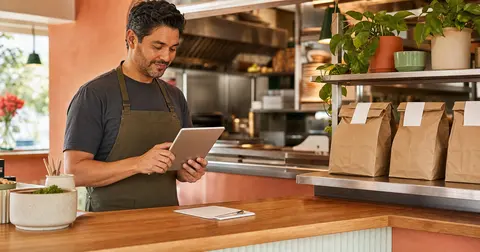
A direct online order is not finished when the guest pays. The restaurant still needs a clear handoff path so the kitchen, counter, and customer all know what happens next.
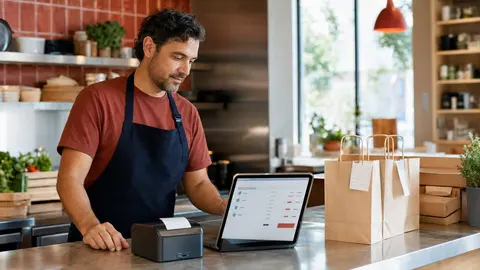
Online order minimums can protect your kitchen from money-losing tickets, but only when they are set with pickup, delivery, menu design, and customer behavior in mind.
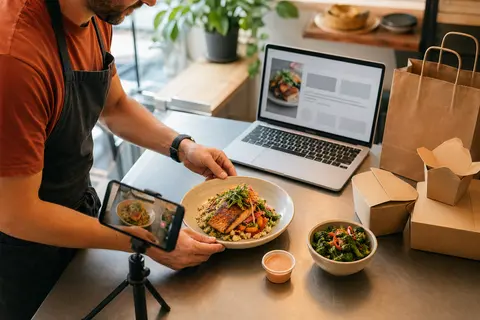
Menu photos do not need to cover every item before launch. Start with the dishes that reduce hesitation, clarify portion size, and help customers feel confident ordering directly.
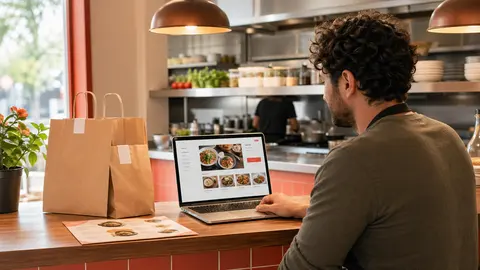
When customers search your restaurant by name, they are usually not researching the whole market. They are trying to find the real menu, the real hours, and the fastest way to order from you.
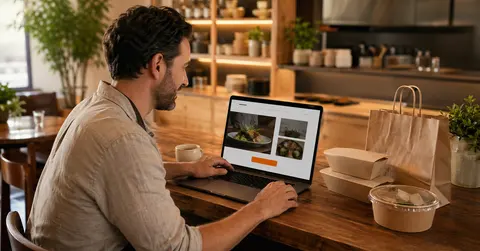
Most restaurants do not need a new website before they can start taking direct orders. They need one clean ordering destination, a visible button, a mobile-friendly path, and a quick operator test.
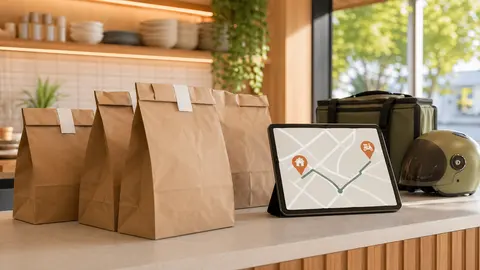
Delivery can help, but it should not be the first promise a restaurant makes if timing, packaging, radius, or driver coverage are still shaky. A pickup-first launch is often the more reliable move.
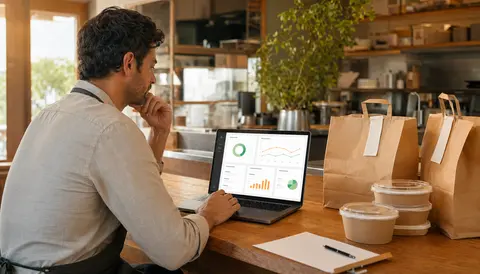
Refunds will happen. The real difference is whether your team can see the charge, issue the refund, explain the payout impact, and close the loop without chasing three support systems.
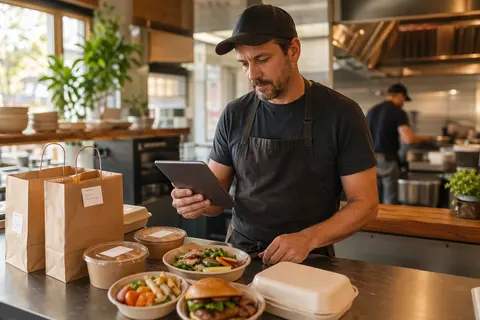
When modifier groups are vague, duplicated, or buried in a notes field, online orders start coming back wrong. A cleaner modifier setup protects the kitchen without making checkout feel heavy.
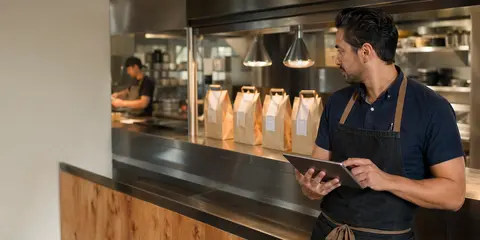
Customers can forgive a short wait. They are much less forgiving when the ordering page promises one pickup time and the kitchen delivers another. A better prep-time setup protects both service speed and trust.
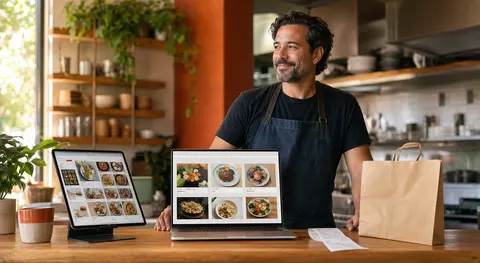
Marketplaces can help restaurants get discovered, but repeat guests are a different job. The cleaner strategy is to use marketplace reach where it helps and build direct ordering where regulars already know your name.
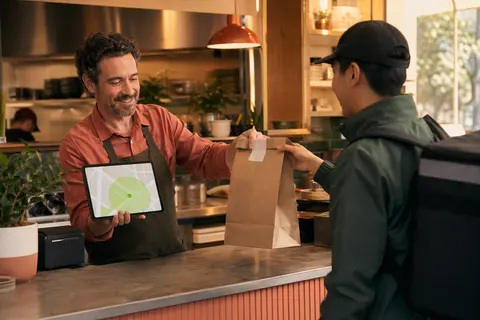
A bigger delivery radius can look like more sales, but it often creates the problems that make restaurant delivery feel unreliable: long handoffs, cold food, vague ETAs, and orders accepted when nobody can actually deliver them.
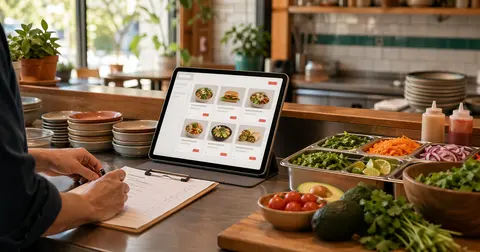
A direct ordering page is only as strong as the menu behind it. Before sending customers to checkout, restaurants should make sure prices, modifiers, hours, sold-out rules, photos, and kitchen handoffs are clear enough to survive a busy shift.
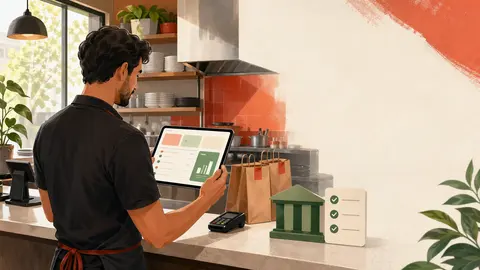
Online ordering feels real when the first paid order arrives, but the smoother launch work happens earlier: bank details, payout timing, fee expectations, refunds, and who knows where to look when money is moving.
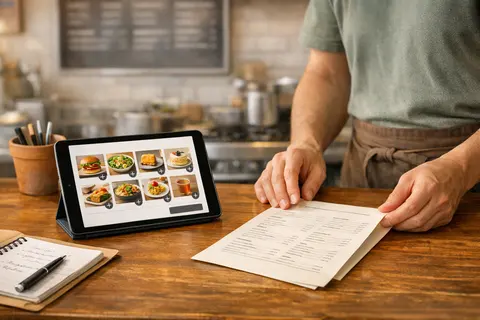
Menu SEO is not only about chasing broad discovery searches. For many restaurants, the bigger win is making sure people who already want your food can find the real menu, the real hours, and the cleanest path to order directly.
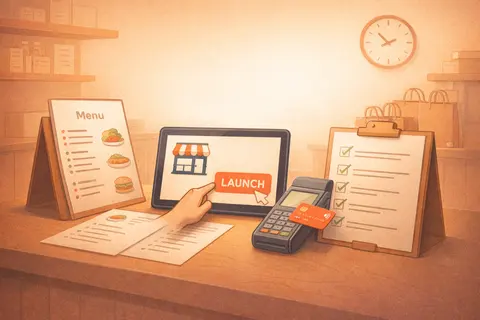
The biggest setup problem is usually not technology. It is scattered decisions, missing menu assets, and nobody owning the last few steps. A fast launch needs a smaller list and a cleaner handoff.
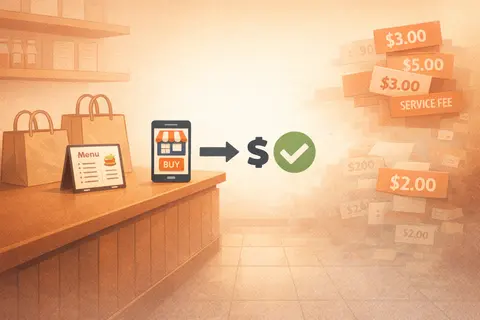
Restaurants usually feel marketplace fees long before they can explain them cleanly. The real question is what kind of ordering model leaves enough margin to keep prices sane and operations predictable.